Tools built around real work.
A few ways we've turned everyday problems into working systems.
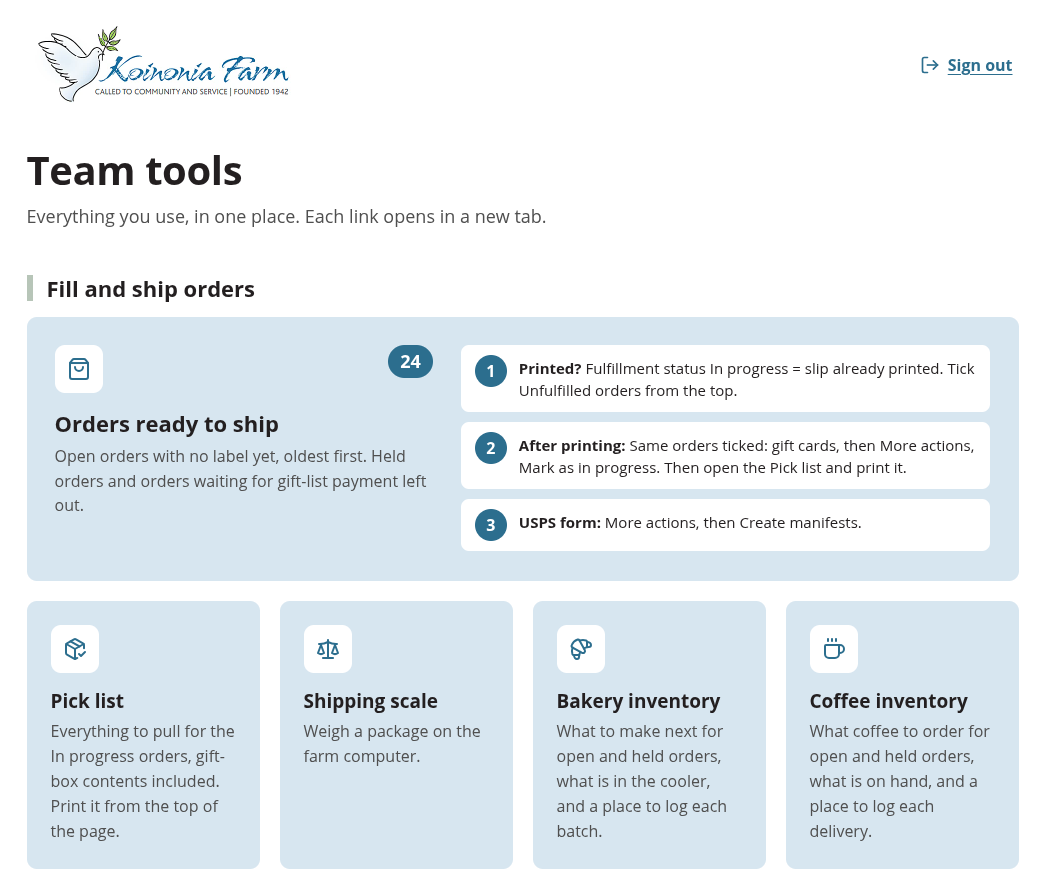
Koinonia Farm team portal
Store work involves more than taking an order. We built a team portal that brings order fulfilment, gift orders, working guides and contextual help together. It gives the team a practical starting point for the tools and instructions behind their daily work.
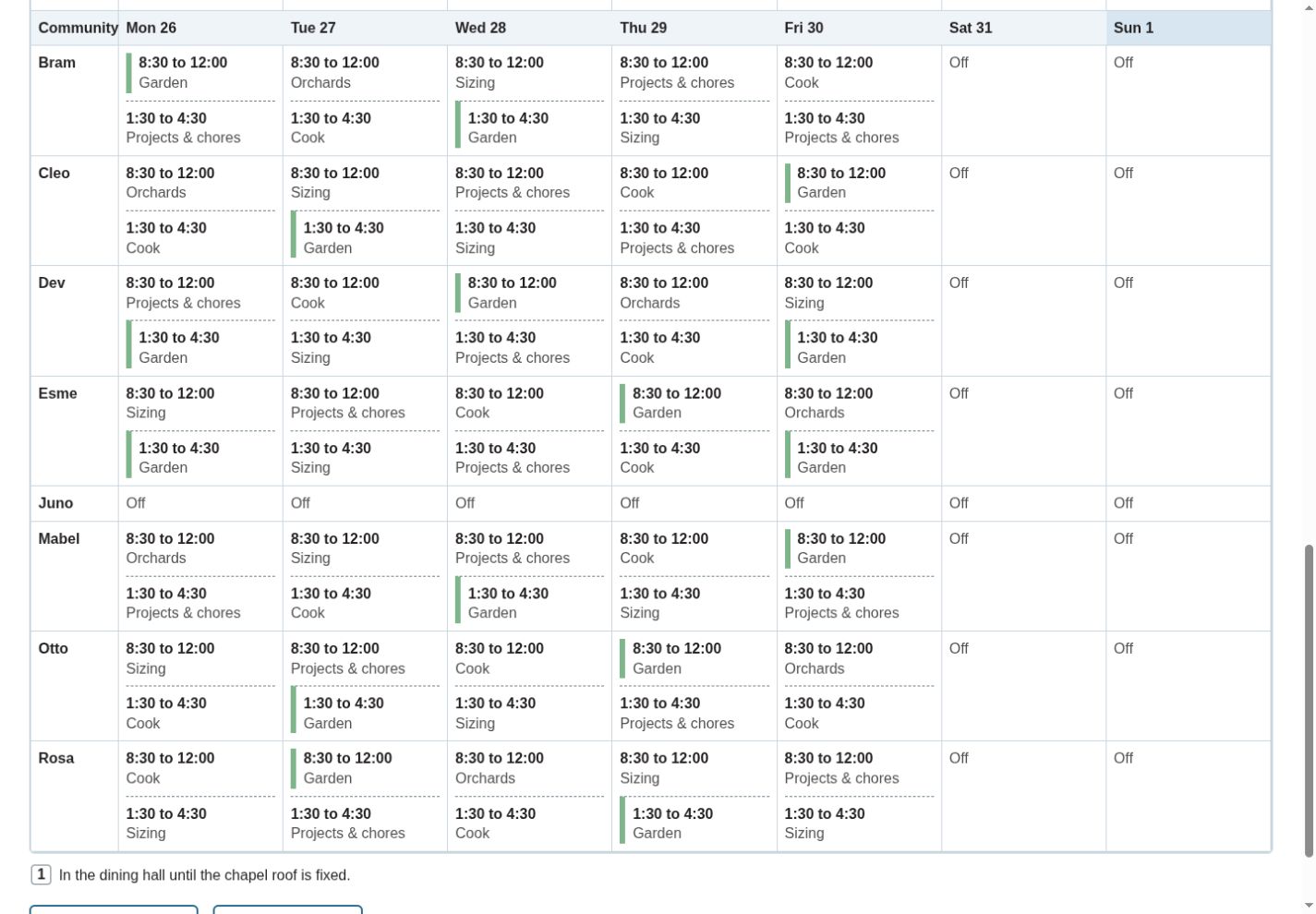
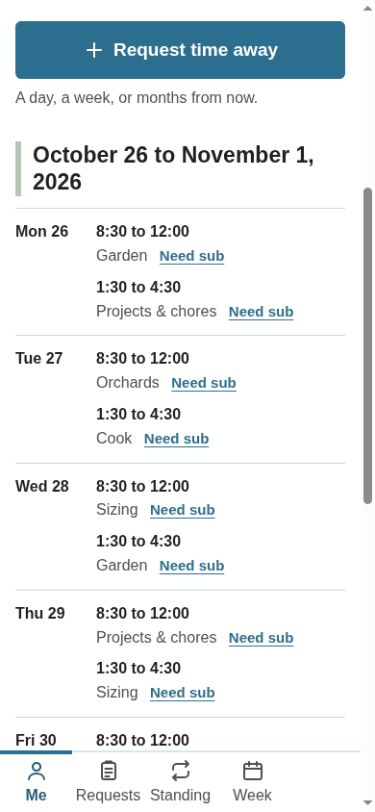
Koinonia Farm scheduling system
Shared work changes from week to week. This custom scheduling system brings assignments, individual times and cover requests into one place. People can see their work, while schedule makers manage the changes that keep a week moving.
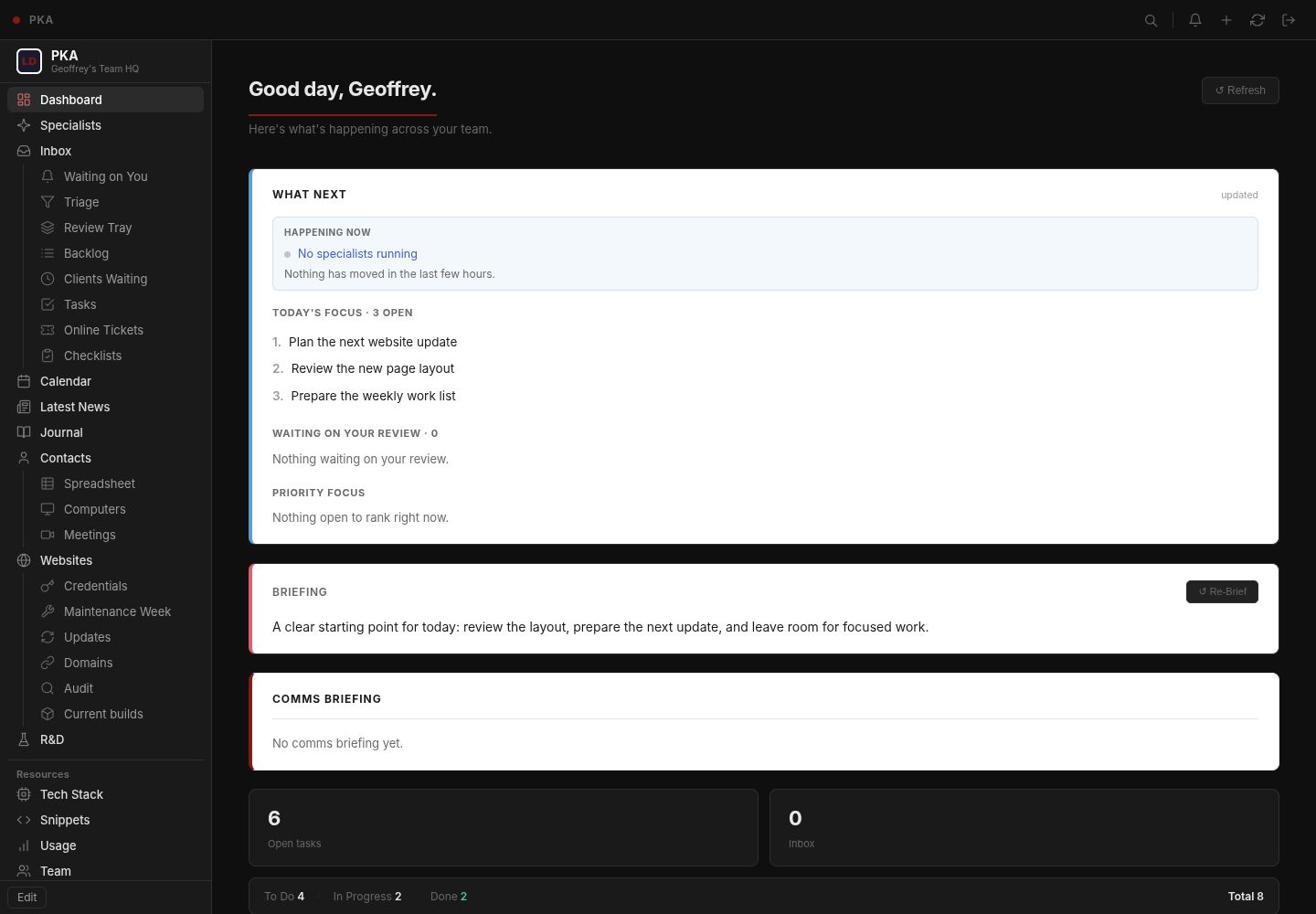
A dashboard for my own working day
I use the Personal Knowledge Assistant to bring tasks, calendar information and working context into one workspace. It is my own working tool, shaped around the way I plan and run Lowthian. Building for myself gives everyday needs a direct route into the design.
CASSA Grant Radar
Finding relevant funding starts with sorting through possibilities. We built a research workflow that collects and evaluates opportunities in a shared sheet. CASSA can review the research, add its own judgment and keep track of which opportunities deserve a closer look. For opportunities the team chooses to pursue, it also generates a sample grant letter to help them get started.
| Name | Priority | Deadline | Status |
|---|---|---|---|
| Example opportunity A | High | Illustrative | Interested |
| Example opportunity B | Medium | Illustrative | New |
| Example opportunity C | Low | Illustrative | Not a fit |
Illustrative scene → example research outputA selected-column excerpt from the research sheet.
Lowthian Task System
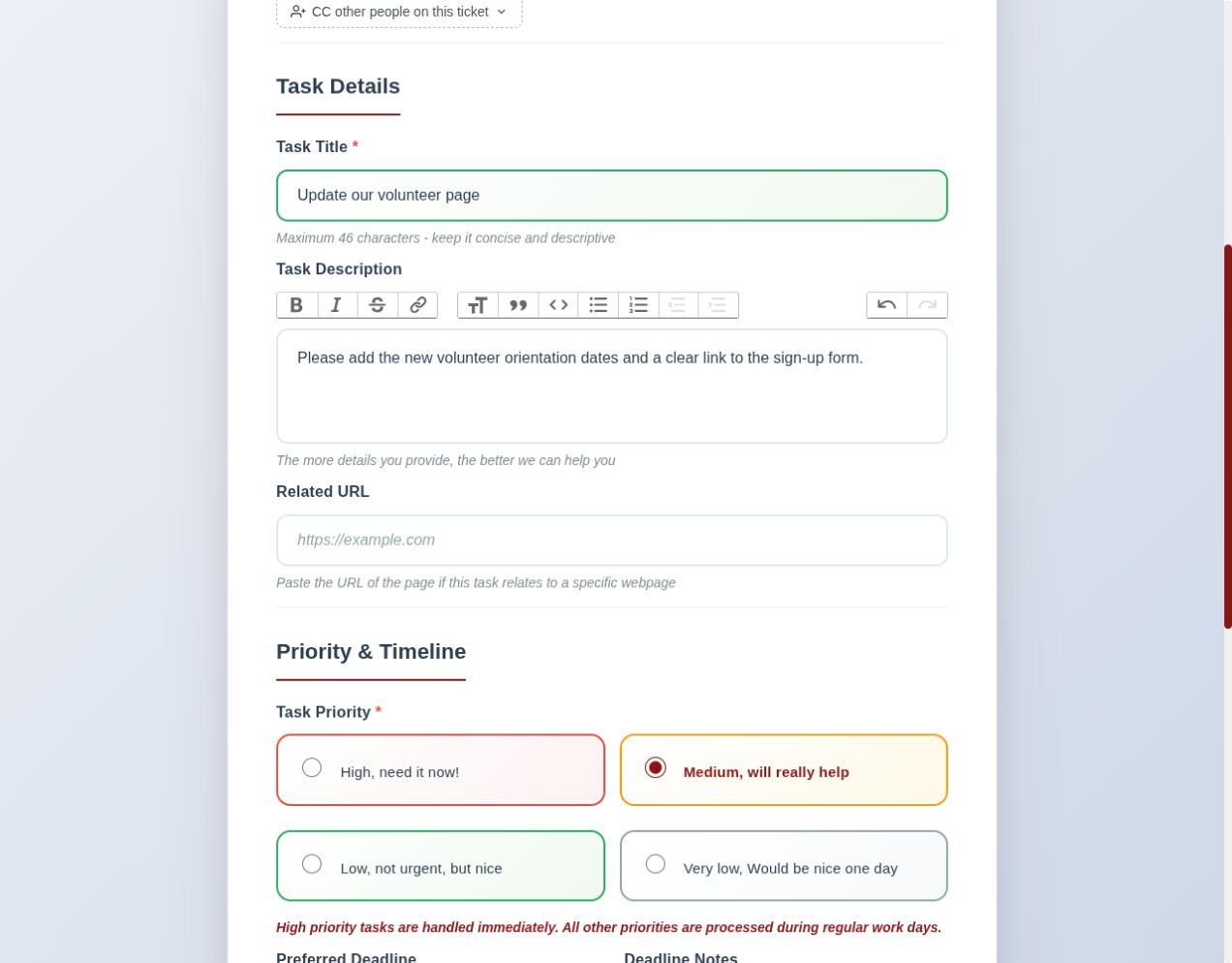
A request needs somewhere its conversation can stay together. Our client-facing task system provides a shared record for requests, updates, files and status. Clients can follow their requests, while Lowthian manages the work from an administrative view.
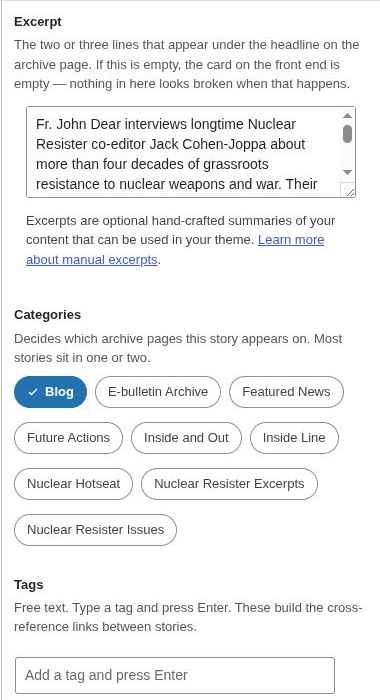
Lowthian Editor
Publishing should not mean hunting for the right field. We built a WordPress editing interface that brings content, images, excerpts and related publishing details into a clearer sequence. It gives client editors a more direct view of the pieces that make up a post.